|
|
Add ECO Folder
-
Click the ECO Tree icon ECO Tree icon
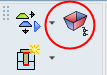 in the guide. You can also select it from the Tools menuTools menu.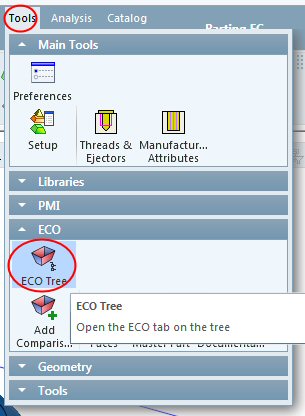
-
Press the ECO tab in the tree. All the ECO processes are managed from this tab.
-
Right-click the ALL ECO folder and select Add ECO folder.
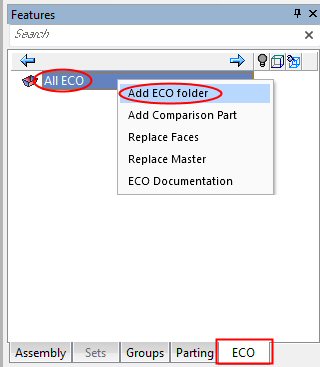
Each ECO folder represents a different comparison part.
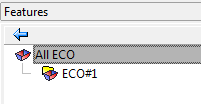
By default, the system names the new ECO folder, ECO#1.