|
|
Load Work Part
-
Click Load Work PartLoad Work Part.
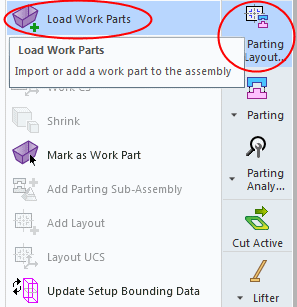
-
Add the ready work file, Cover17-work.elt, from the Active Parts folder located in the following folder:
-
Check the Add Master Part to ECO Sub-Assembly option.
-
Click OK.
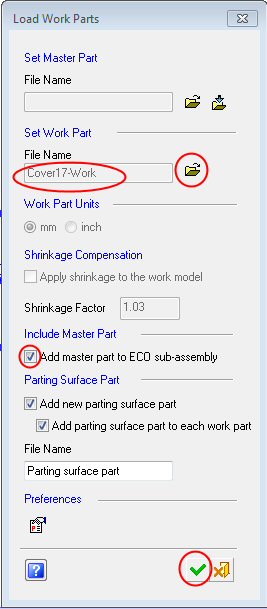
-
Place the work parts on the layout UCSs. Click OK.
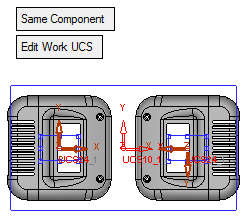
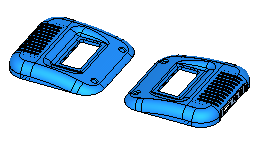
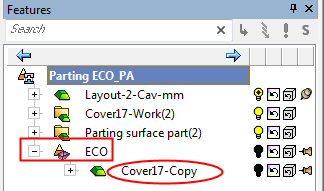
Notice the new ECO assembly and the copy of the master file located under it.