|
|
Add Work Part
-
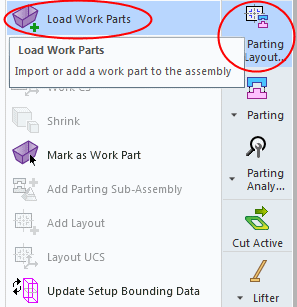
From the Parting Layout Tools, click Load Work Parts.
-
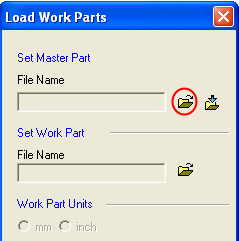
Click Open fileOpen file. Select the basicmaster.elt file located in the following folder:
-
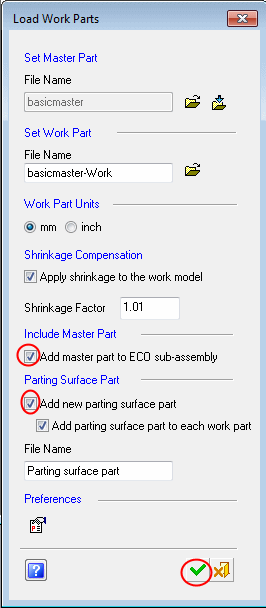
Select the Add Master Part to ECO Sub-Assembly checkbox. This option opens a new sub-assembly (ECO) under the main parting assembly and places a copy of the master file used by the work file. (The copied master file will be used later for compare operations.)
-
Select the Add New Parting Surface Part checkbox. This option adds a new parting surface part along with a work part. When the checkbox is selected, the File Name field displays the default work part name, Parting Surface Part.
-
Click OK.
-
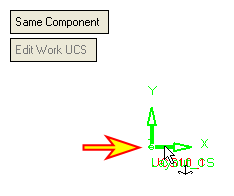
Place the part on the assembly UCS. Click OK.
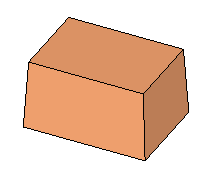
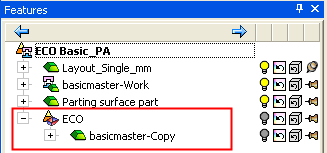
The ECO Assembly was created under the parting assembly. It contains a copy of the master file used by the work file.
The copy of the master is already scaled according to the scale value applied in the work part.