|
|
Mending
In a real work flow (usually after the part has been received), extra mending operations are applied in the work file.
-
Activate the work part.
-
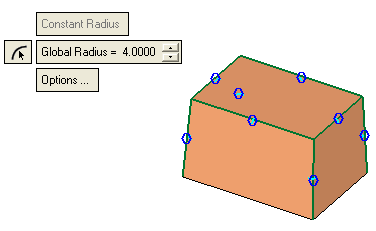
Apply rounds as shown in the picture below: Global Radius = 4.
-
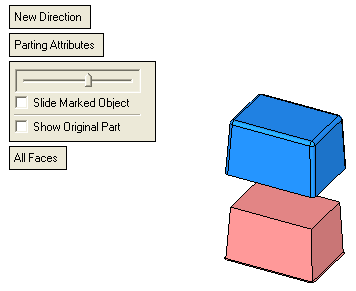
Perform a Quick Split operation.
Press the Parting / New direction option.
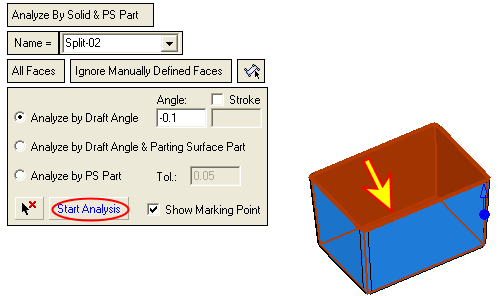
Select one the upper faces and press the Start Analysis button.
Click Apply.
-
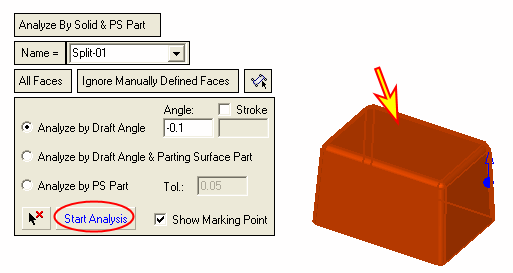
Flip the arrow direction.
Select one of the lower faces and press the Start Analysis button.
Click OK.