|
|
Manual Selection of Parts
-
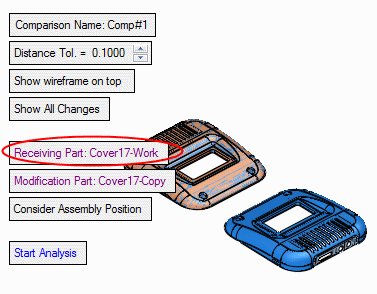
You may also pick these files manually. Although the system’s suggestion is correct, we will redefine these files manually just for training purposes. Click Receiving Part.
-
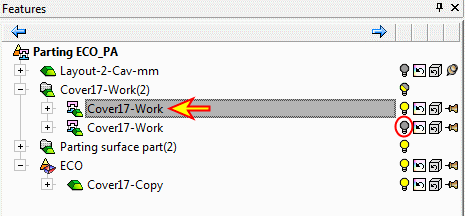
Hide the second work part.
Parts can be selected in three places: Display area, Assembly tree, or ECO tree.
-
Select the cover17-work part and Exit (select the instance located at the same place as the copied master).
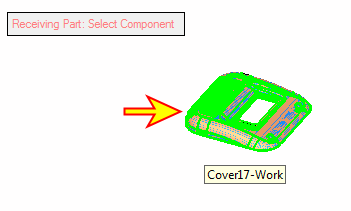
The work part’s name is now shown in BLACK, indicating that it was manually picked.
-
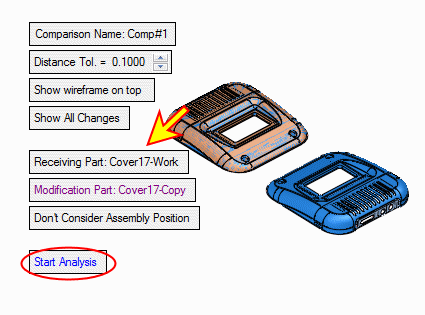
Click Start Analysis to examine the differences between the work part and the master part.