|
|
Show Unapplied Changes From Previous
We would also like to keep the mending features as they are in the work file (as long as changes in the ECO did not ‘touch’ these areas).
-
Toggle the Show All Changes option to Show Unapplied Changes Since Previous.
The system automatically suggests the Previous to be the copied master file (see the Previous Modification parameter indicated by the arrow). In this way, the analysis will exclude all differences between the Receiving part (the work part in this case) and the previous modification part (the Master in this case). So the mending job will be excluded from the compare operation and will be kept as it is in the work file. -
Click Start Analysis.
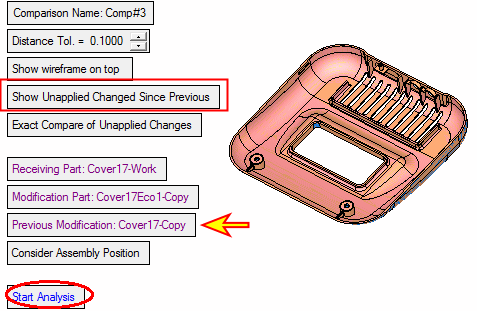
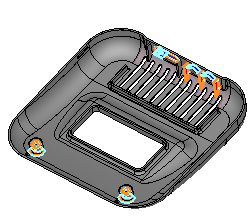
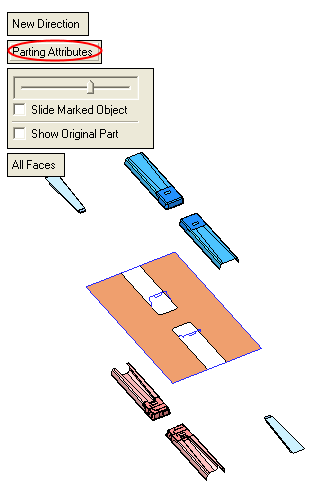
See the different result between All Changes and Unapplied Changes Since Previous. The Unapplied Changes Since Previous option equals all changes minus mending (mending equals work part minus master). Hide the master part to see the result more clearly.