|
|
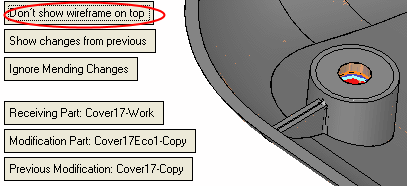
Show Wireframe on Top
The Show Wireframe on Top parameter controls whether to show the wireframe on top of the shaded faces or not (even if the figure is behind the face).
-
Keep the default option, Show Wireframe on Top.
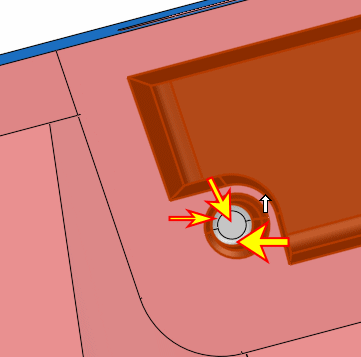
Notice the toggle options: Exact Compare of Unapplied Changes and Rough Compare of Unapplied Changes, Up To. Leave the default option Exact Compare. The Rough Compare option will be explained in the next exercise.

-
Name the comparison Work + ECO1 – Master.
Click OK.