|
|
Electrode Machining
Simulate Toolpath
In the Electrode Machining chapter, various Cimatron NC parameters will be discussed to machine thin & long walls (e.g., electrodes or parts made of soft materials).
An accurate wall thickness dimension and a high surface quality can be achieved due to the walls remaining rigid during machining.
-
Open the Electrode Machining.elt file.
-
SimulateSimulate
 the toolpath. Use the Standard Simulator.
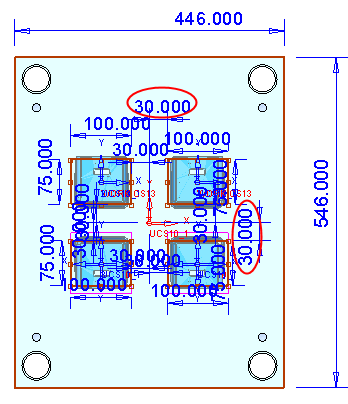
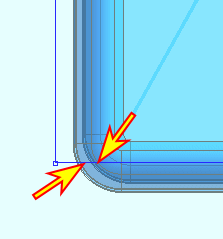
The Simulator shows a large wall thickness and a non optimal machining strategy.
-
Copy/Paste the entire toolpath.
- Right-click on the toolpath and select Copy Procedure.
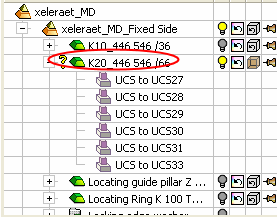
- Right-click and select Paste Procedure.