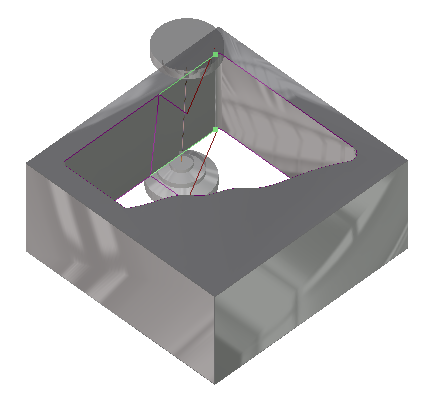
Process Creation
Select an ISO2 view pressing on the button or with the key shortcut <Alt + 6>
Click the Variable Conic process buttonVariable Conic process button and enter the following data:
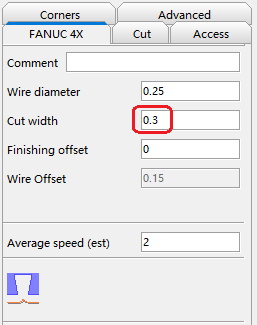
Click the Calculate buttonCalculate button  or click the right mouse button on the name of process to confirms the parameters entered and calculate the process. A green light is now displayed, indicating that the process has been calculated correctly.
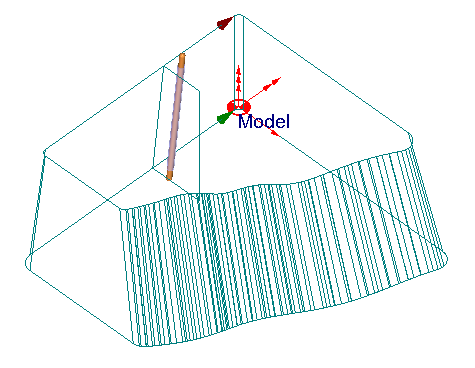
Select the process and click the Simulation buttonSimulation button . Set the parameters as indicated below:
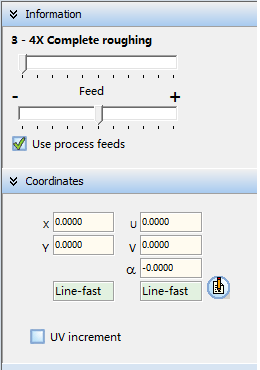
Click the Play buttonPlay button to start the simulation. (You can dynamically rotate the part during the simulation by pressing the right mouse button while moving the mouse).
To exit the simulation, click the Exit buttonExit button .
.